 PushLocker
Fitness-locked screen time
Quit scrolling.
Build physique.
PushLocker blocks the apps that eat your day and only unlocks them once you finish real pushups, squats or crunches. Your camera counts every rep — on your iPhone, never on a server.
Free to try for 3 days · No account · Works on iPhone
- On-device processing
- No analytics or tracking
- Built on Apple's Screen Time
- Private by design
How it works
Three steps to a phone that earns its place
No willpower required — the apps only open when your body pays for them.
Pick the apps to block
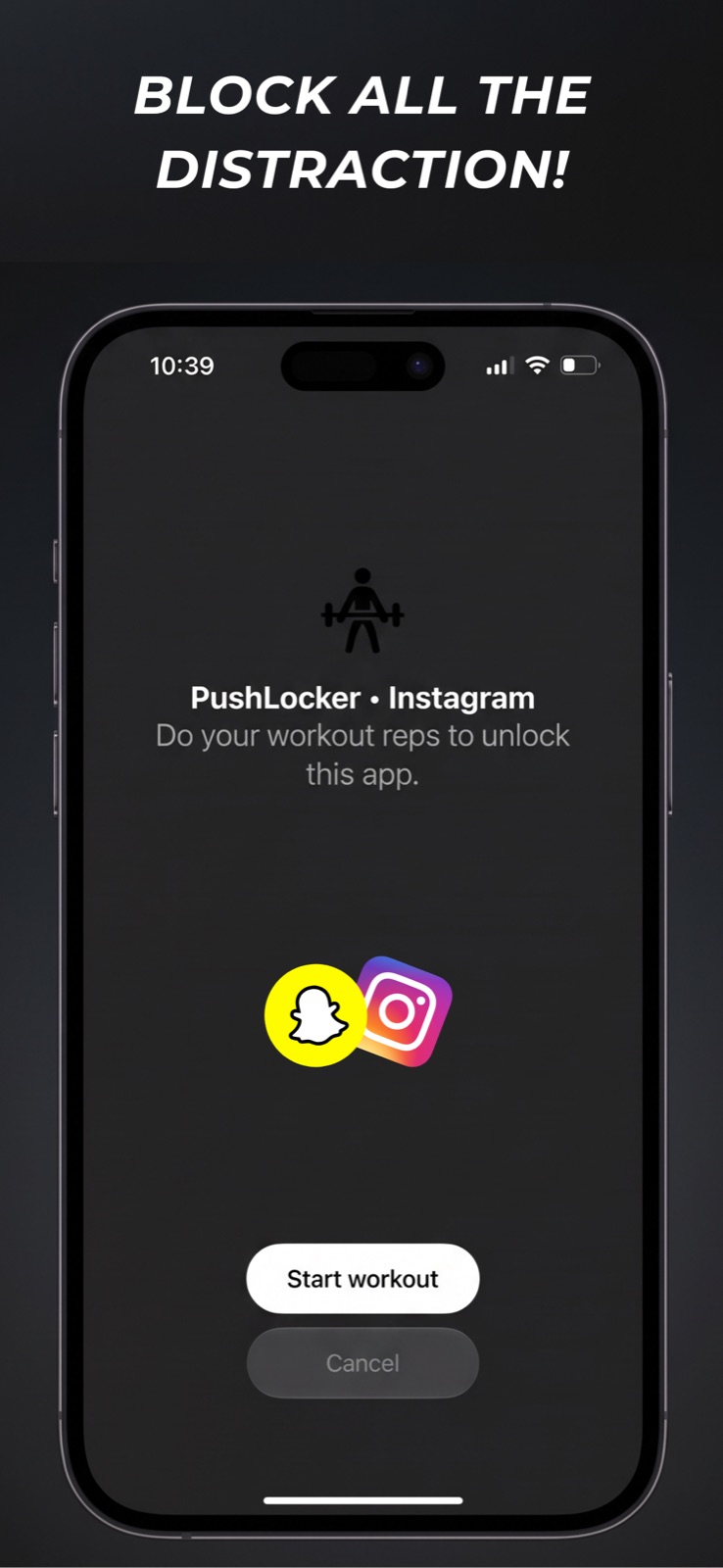
Choose any apps from Apple's Screen Time picker. PushLocker shields them with the system shield, so they stay locked even out of the app.
Set your reps
Decide your unlock target — a number of pushups, squats or crunches, or a timed set. Adjust it per app whenever you like.
Work out to unlock
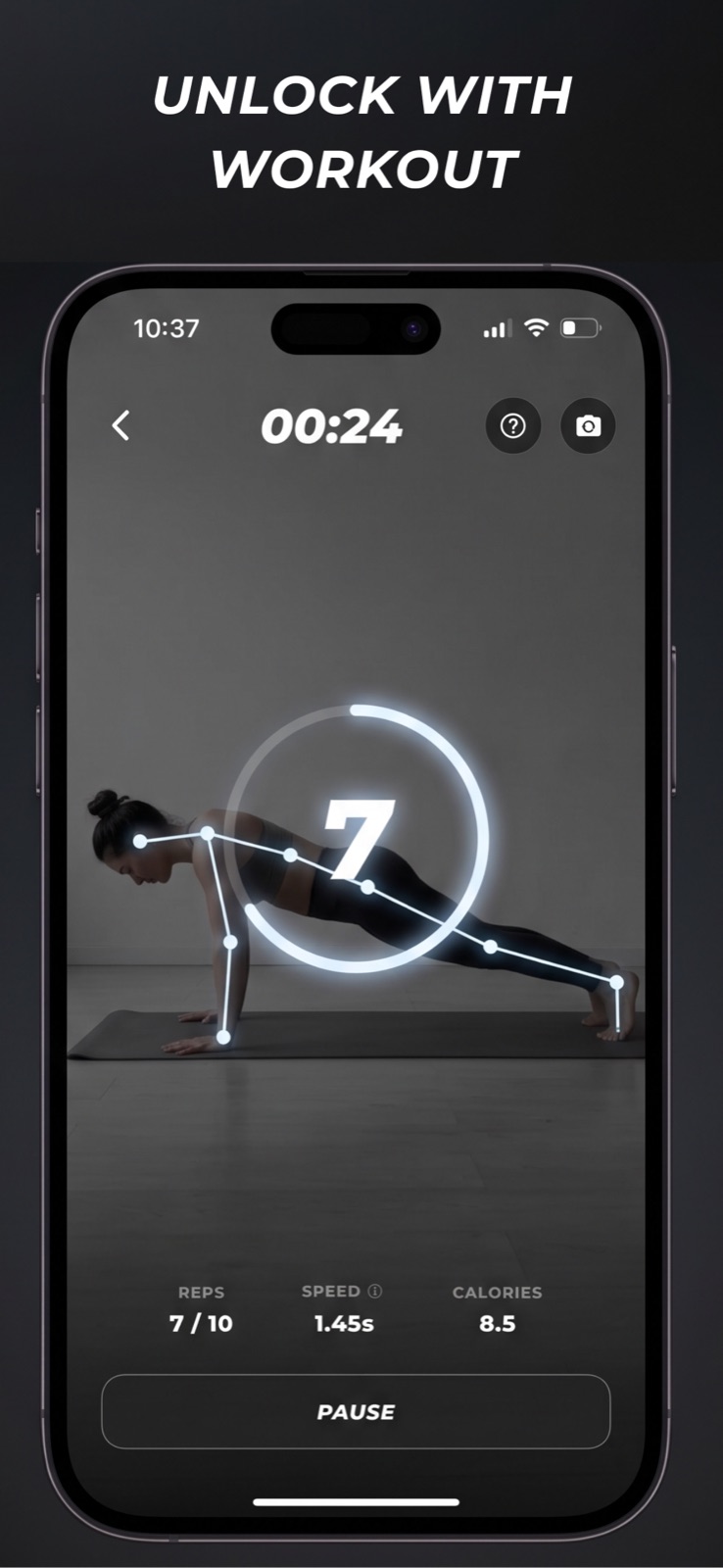
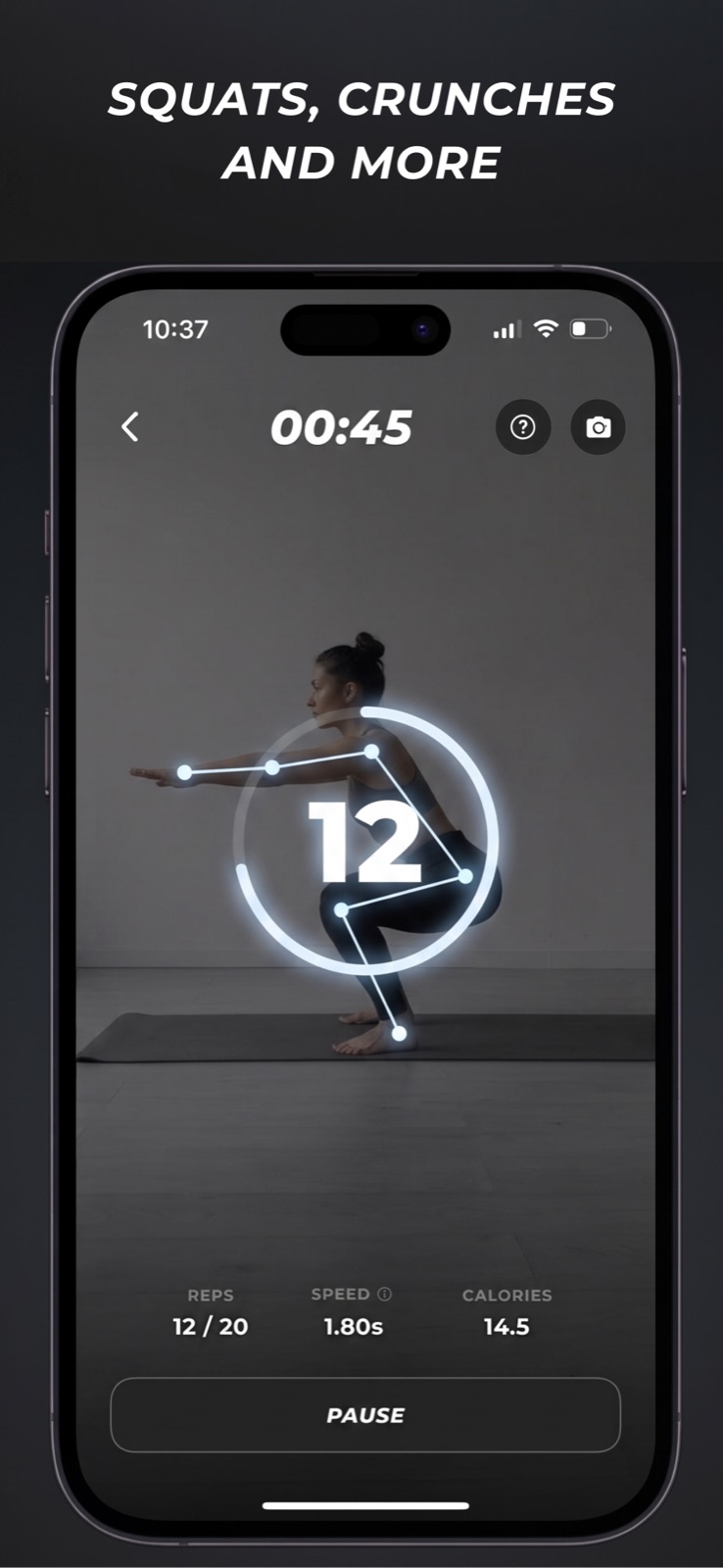
Open a blocked app and PushLocker counts your reps with the camera in real time. Finish the set and the app unlocks.
Features
Everything you need to stop doomscrolling
Real-time rep counting
On-device pose detection watches your form and counts every rep automatically — pushups, squats and crunches.
Block any app
Powered by Apple's Screen Time (Family Controls) framework, so the shield appears at the system level — not just inside PushLocker.
Workout alarms
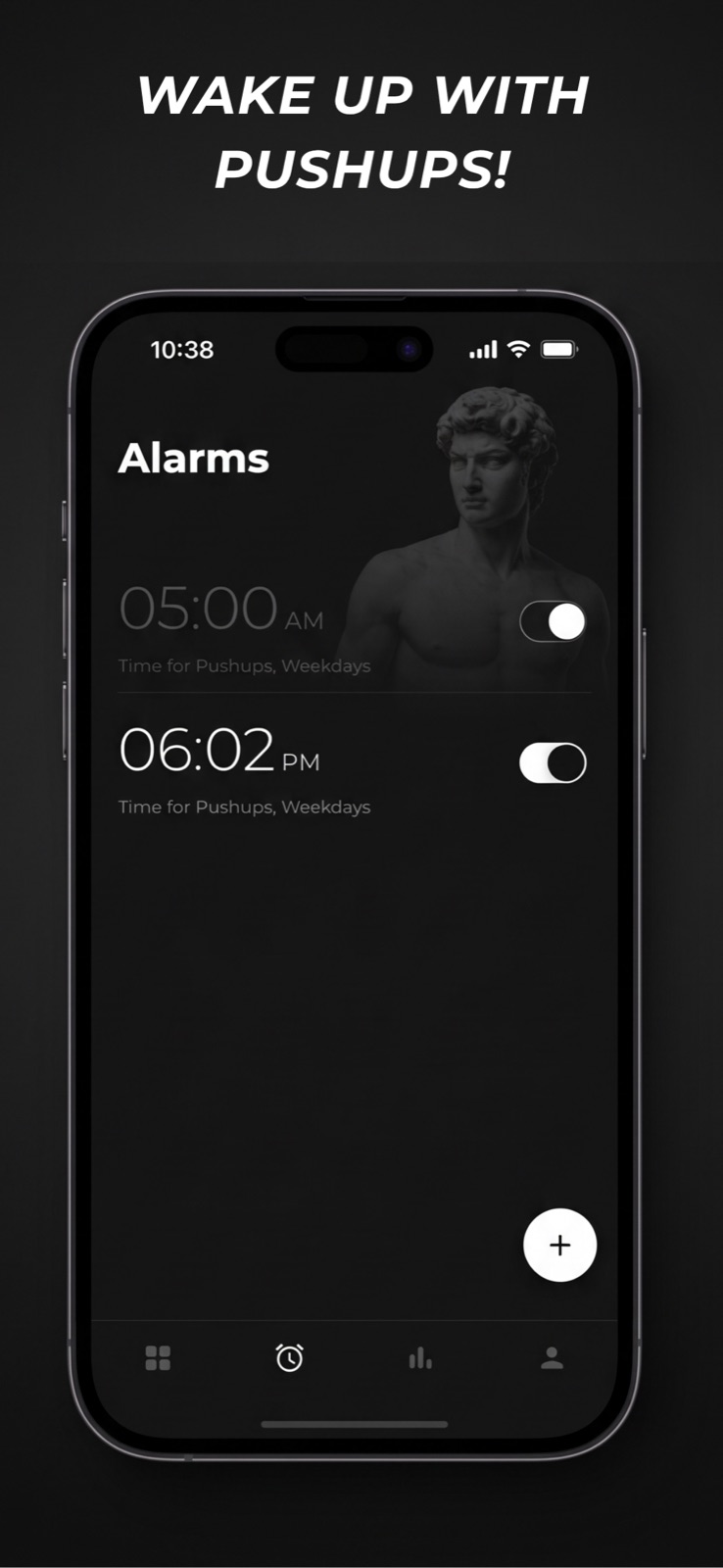
Set an alarm that only goes quiet after you complete your reps. Wake up with pushups instead of the snooze button.
Strict Mode
Lock your workout settings for the session so the target can't be lowered or skipped once you've started.
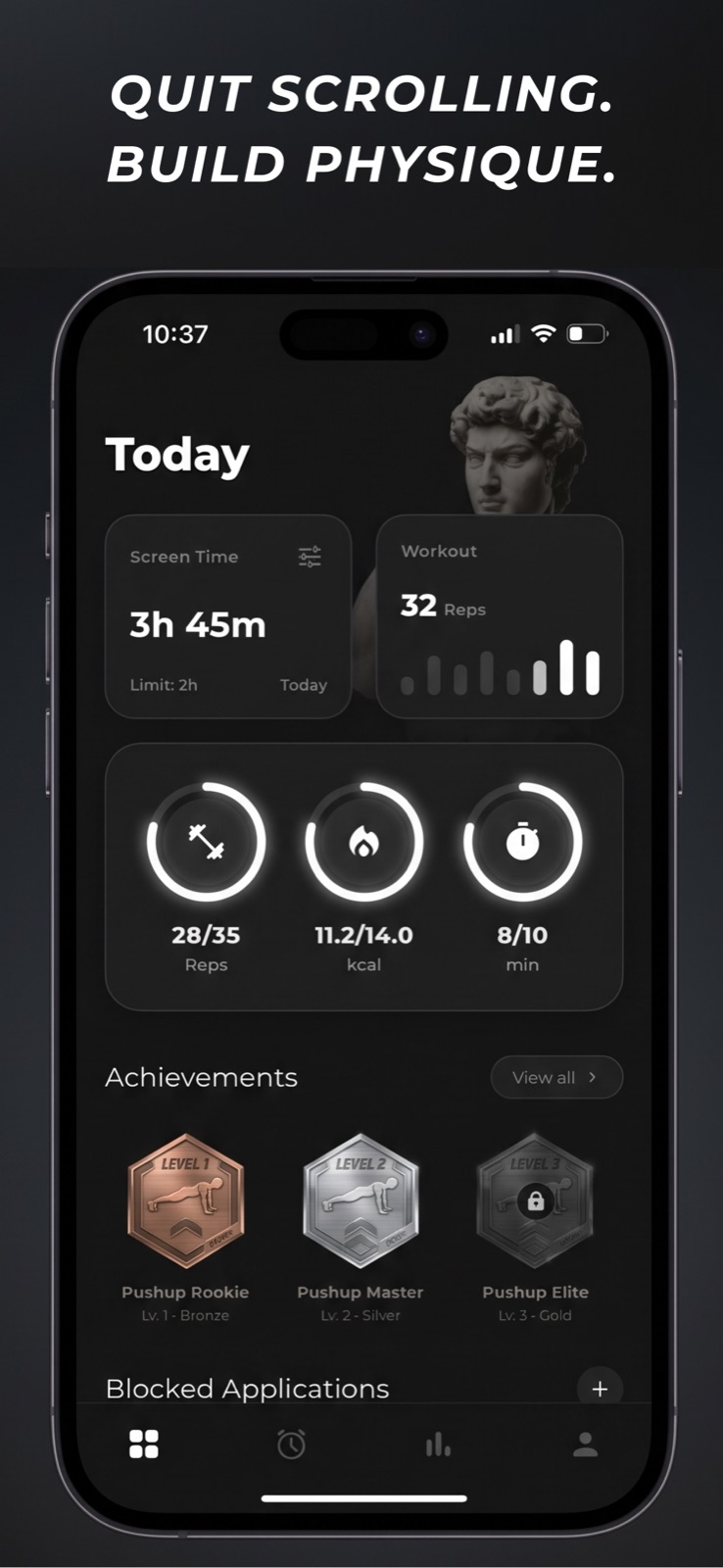
Achievements & badges
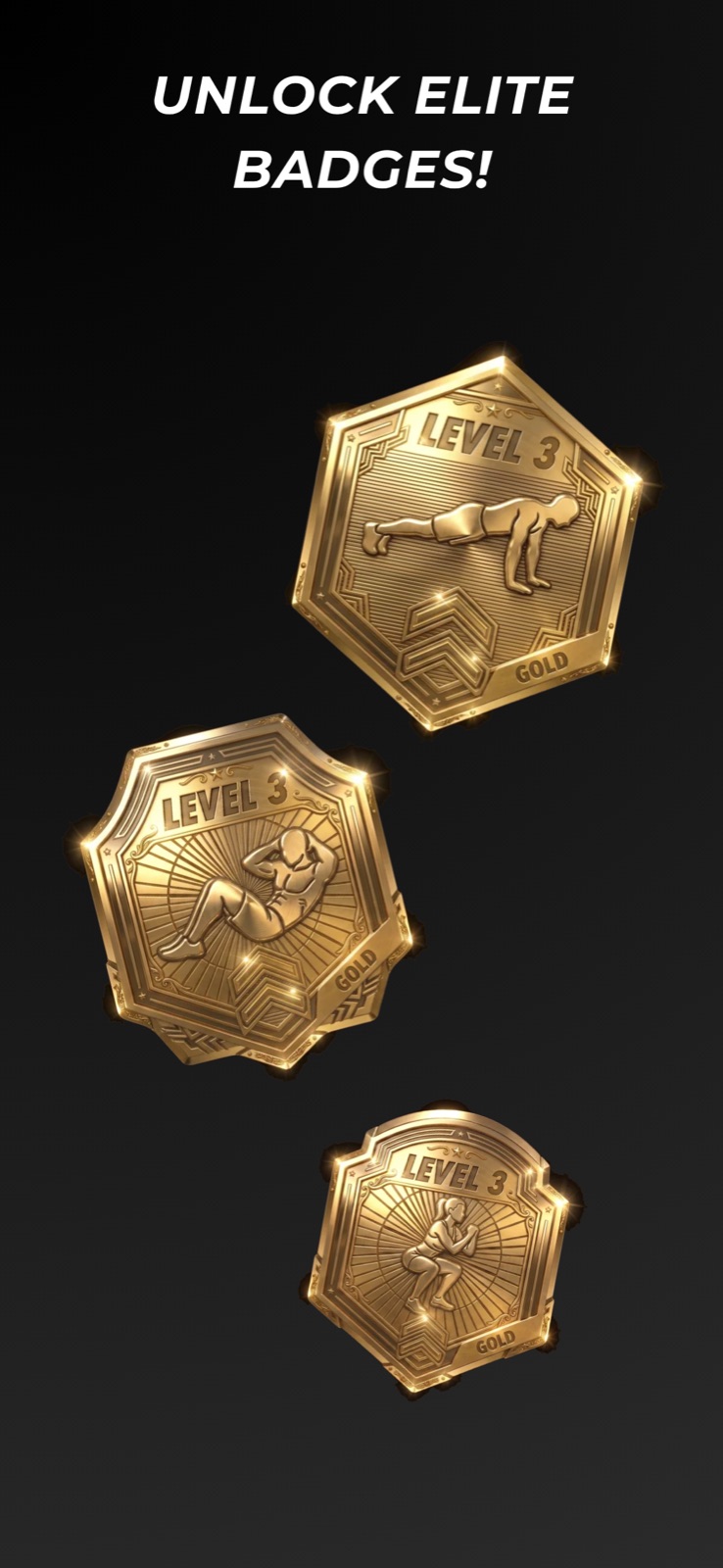
Earn Bronze, Silver and Gold badges across three levels, plus unlock milestones as your rep counts climb.
Insights & streaks
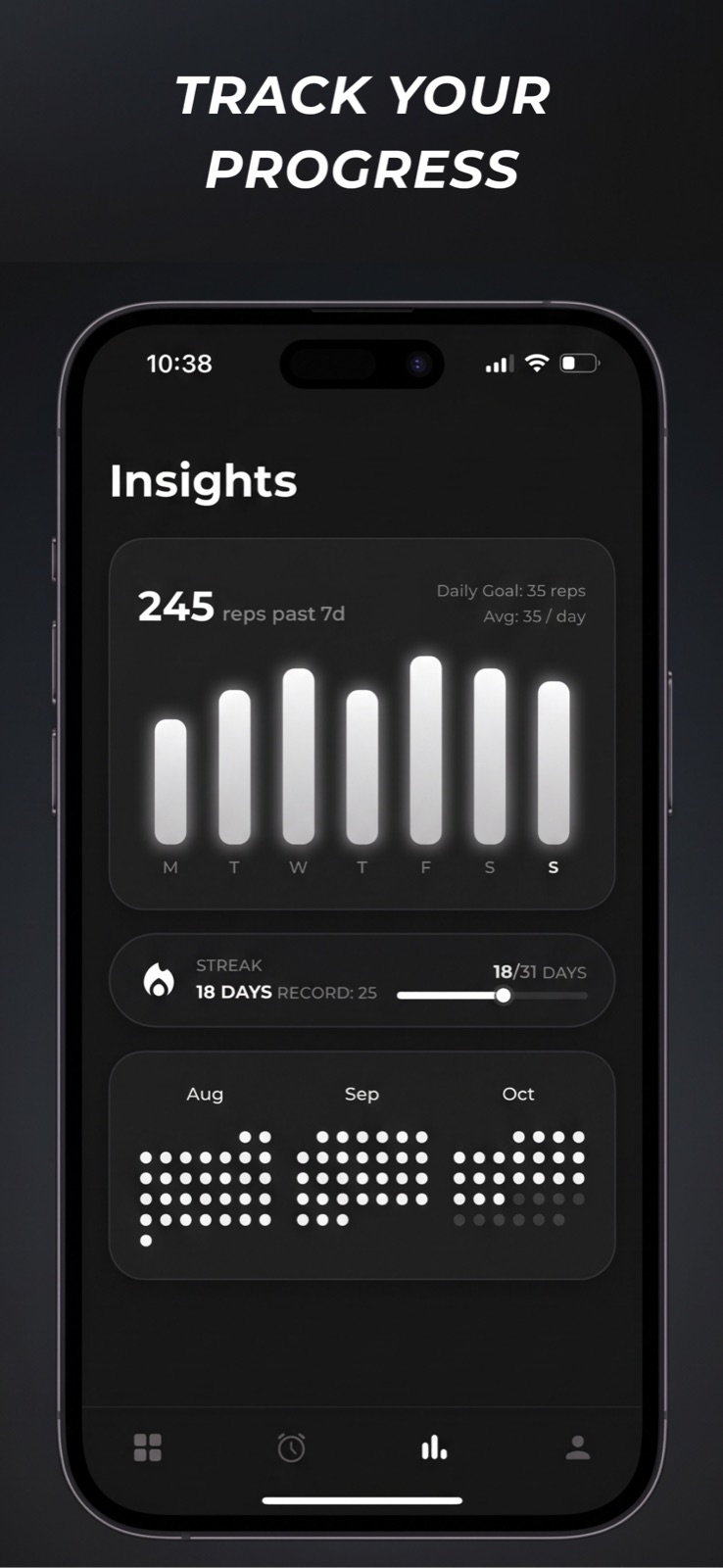
Track daily goals, rep volume, streaks and records with a rolling activity heatmap of your month.
Screenshots
See it in action
Pricing
Try it free, then pick your plan
Full access for 3 free days. Cancel anytime. The lifetime option is a one-time purchase — no subscription.
Billed weekly
- Unlimited app blocking
- All three exercises
- Workout alarms & badges
Just $0.57 a week · 3 free days
- Everything in Weekly
- Save over 70% vs weekly
- Priority support
Pay once, yours forever
- Everything in Yearly
- No recurring charges
- All future updates
Prices shown are US App Store list prices and vary by region. Subscriptions renew automatically until cancelled. See the Terms of Use for billing and cancellation details.
Support
Questions, answered
How does the camera counting work?
Frames from your camera are processed entirely on your iPhone to detect your body position and count reps. They are analysed in memory in real time and are never recorded, saved or uploaded. See the Privacy Policy.
Which apps can I block?
Any app you pick in Apple's Screen Time picker. You can block several apps at once and set a different rep target for each one.
Can I skip or cheat the workout?
Strict Mode locks your workout settings for the session so the target can't be lowered mid-workout. You can always close the app, but the block stays in place until the reps are done.
How do I cancel my subscription?
Open Settings → Apple ID → Subscriptions and cancel there. Deleting the app does not cancel a subscription. Renewal and cancellation terms are in the Terms of Use.
Can I get a refund?
Purchases are handled by Apple. Request a refund at reportaproblem.apple.com.
Do I need to create an account?
No. There's no sign-up, no login and no server. Your data stays on your device.
Still need a hand?
Email us and we'll get back to you. Include your iPhone model and iOS version if you're reporting a bug.